Best Streaming Devices for Every TV
Affiliate disclosure: As an Amazon Associate, I earn from qualifying purchases. This means I may earn a commission when you buy through links on this site — at no extra cost to you.
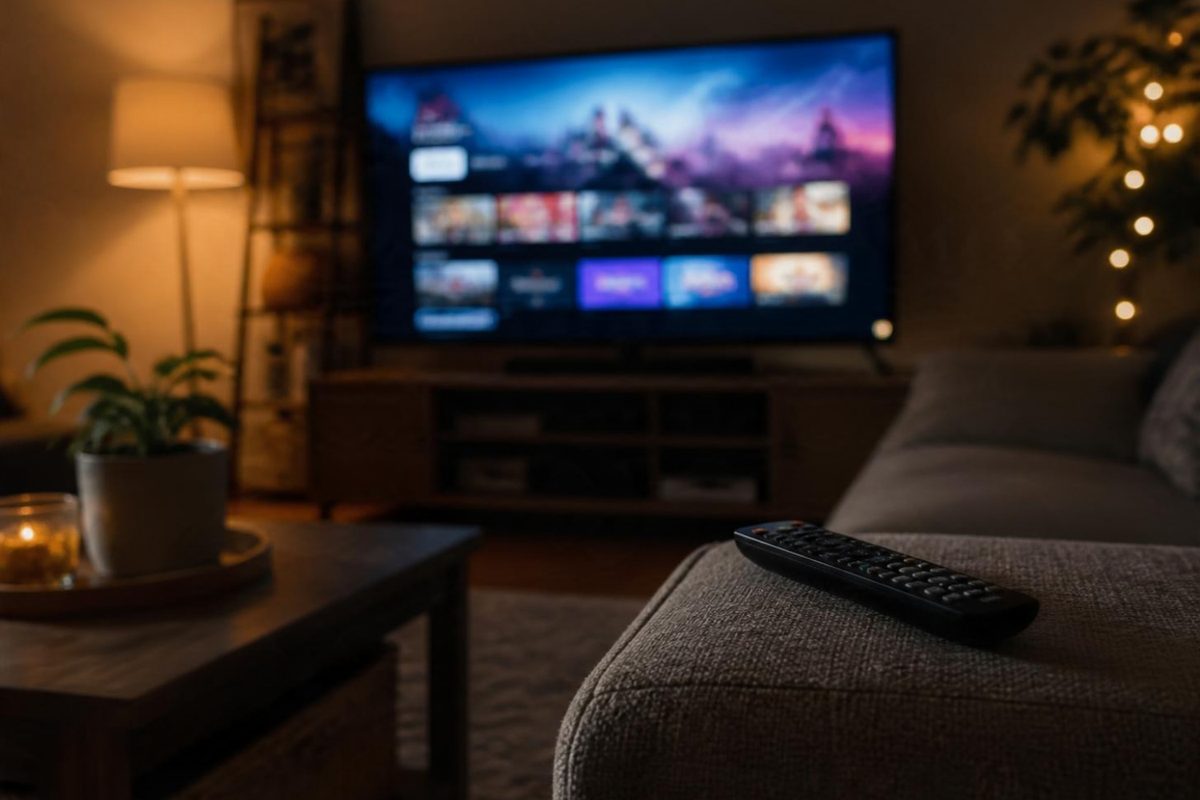
A five-year-old "smart" TV with a slow, ad-crammed interface is the most fixable tech annoyance in the house: a $30–50 streaming stick transforms it completely. The hard part is choosing between four excellent platforms that each suit different people.
The platforms in one paragraph each
- Fire TV (Amazon): best if you live in Alexa/Prime. Interface leans promotional, but it's fast and cheap.
- Roku: the simplest, most neutral interface — nobody's store, everybody's apps. The "it just works for everyone" pick, including for less techy households.
- Google TV (Chromecast): best search and recommendations; ideal for Google households and YouTube-heavy viewers.
- Apple TV 4K: the premium box — fastest chip, cleanest interface, best for Apple households. Costs several times the sticks.
Our picks
1. Fire TV Stick 4K — best value overall
4K, HDR, Dolby Vision, and Alexa voice search at a price that regularly dips to impulse territory during sale events. The default recommendation for most TVs.
- 4K HDR + Dolby Vision
- Alexa voice remote included
- Regularly discounted hard
2. Roku Streaming Stick 4K — best interface for everyone
Roku's neutral, uncomplicated home screen shows your apps first and nonsense second. If the TV's user is anyone who's ever muttered "I just want to watch Netflix," this is the one.
- Cleanest, simplest interface
- No ecosystem favoritism
- Great remote with TV volume control
3. Chromecast with Google TV (4K) — best for Google homes
Google's best interface: genuinely good recommendations, excellent voice search, and casting built into everything. The natural pick for Android households and YouTube-first viewers.
- Best-in-class search and suggestions
- Casting from any app
- Clean Google TV interface
4. Apple TV 4K — best premium
If you own an iPhone, the seamless synergy (AirPods switching, HomeKit hub, iCloud photos, the screensavers alone) justifies the premium. It's also simply the fastest box on the market.
- Fastest, smoothest performance
- Perfect iPhone/Mac integration
- Doubles as a smart home hub
5. Roku Express — best ultra-budget fix
The cheapest way to resurrect an old TV: full Roku interface, HD streaming, and a proper remote for the price of a pizza. Not 4K — but neither is that guest-room TV.
- Rock-bottom price
- Full Roku experience
- Perfect for older HD TVs
6. Fire TV Cube — best hands-free option
The streaming stick that's also a full Alexa speaker — "continue watching…" works from across the room, and it runs your smart home too. The overkill option for the living room centerpiece.
- Hands-free Alexa, no remote needed
- Fastest Fire TV hardware
- Smart home hub included
FAQ
Do I need the 4K version?
If your TV says 4K/UHD: yes, the price gap is small. If it's a 1080p TV, the HD sticks are all you need.
Why not just use the TV's built-in apps?
Built-in interfaces age fast and get abandoned; sticks are cheap, fast, and replaceable. Even three-year-old TVs often feel new with a stick.
Which has the fewest ads on the home screen?
Apple TV, then Roku, then Google TV, then Fire TV. None make you pay to remove ads entirely except Apple (by not having them).
The bottom line
Most people: Fire TV Stick 4K (price) or Roku Stick 4K (simplicity). Google household: Chromecast. Apple household: Apple TV 4K, full stop.
Prices and availability change often — always check the current price on Amazon before buying.