Best Home Office Tech Accessories
Affiliate disclosure: As an Amazon Associate, I earn from qualifying purchases. This means I may earn a commission when you buy through links on this site — at no extra cost to you.
Working from home means you're the facilities department — and a hundred small daily annoyances (glare, neck cricks, dead batteries, cable chaos) are yours to fix. These are the upgrades with the best fix-per-dollar ratio, in the order I'd buy them.
What to look for
- Ergonomics first. The laptop screen is at the wrong height; everything else is secondary to fixing that.
- Lighting beats webcams. A light bar improves how you look on calls more than any camera upgrade.
- One dock to rule them all. If you plug in more than two things daily, a dock pays for itself in sanity within a week.
Our picks
1. Laptop Stand — the neck saver (start here)
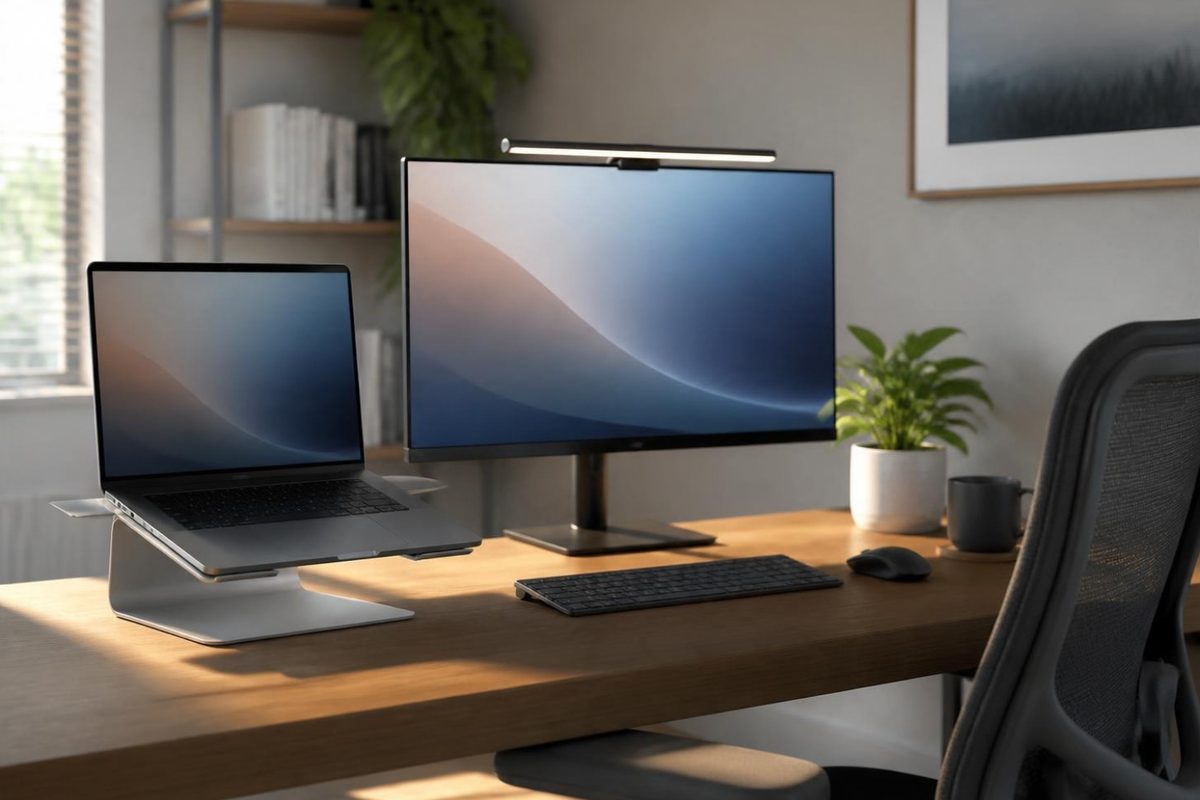
Raising your laptop screen to eye level is the single biggest ergonomic fix you can make, and it costs very little. Rain Design's mStand is the premium classic; solid adjustable aluminum models do the same job for less.
- Fixes "laptop hunch" instantly
- Better laptop cooling as a bonus
- Options from budget to premium
2. Monitor Light Bar — the appearance upgrade
A bar that sits atop your monitor and washes your desk (and face) in even light. No screen glare, no harsh overheads — you instantly look better on every call. Anker and BenQ (ScreenBar) make the benchmarks.
- Flattering light on every video call
- Zero desk footprint
- Warm/cool temperature control
3. Logitech MX Master 3S — the mouse that ends mouse shopping
The default answer for "best productivity mouse" for years running: silent clicks, hyper-fast scrolling, multi-device switching, and a sculpted shape that forgives eight-hour days.
- Best-in-class scroll wheel
- Switches between 3 devices
- Legendary battery life
4. Mechanical Keyboard — the daily joy upgrade
Once you type on mechanical switches, membrane keyboards feel like typing on a wet sponge. Keychron's hot-swappable boards are the enthusiast's entry point; Logitech's MX Keys is the quiet-professional alternative.
- Typing feel you'll notice daily
- Endless switch options (quiet clicky linear etc.)
- Wired or wireless options
5. USB-C Docking Station — the one-cable desk
Plug your laptop into one cable and get monitors, keyboard, mouse, ethernet, and charging. The upgrade that turns a kitchen-table setup into an office. Anker and UGREEN make reliable picks at several price points.
- One plug in, everything connected
- Dual monitor support
- Charges the laptop over the same cable
6. Laptop Riser + External Keyboard Combo — the full fix
The complete ergonomic system: screen at eye level (riser or stand), keyboard and mouse at elbow level. If you WFH full-time and buy nothing else on this page, buy this arrangement.
- Proper ergonomic positioning
- Works with any laptop
- Both pieces are inexpensive
7. Cable Management Kit — the tidy-up
Under-desk trays, velcro wraps, adhesive clips. Twenty dollars of cable gear makes the difference between "setup" and "battlestation" — and cleaning dust stops being an archaeology project.
- Instant visual upgrade
- Easier cleaning and changes
- Cheap and universal
FAQ
What's the first purchase for a new WFH setup?
Laptop stand (or riser + keyboard if you type all day). Neck comfort compounds — literally.
Docking station vs. USB-C hub?
Hubs are portable and cheap (2–4 ports); docks stay on the desk and drive monitors. Travel: hub. Home: dock.
Are monitor light bars worth it?
If you take video calls, yes — it's the cheapest meaningful upgrade to how you present. If you never turn your camera on, skip it.
The bottom line
Stand → light bar → mouse → dock. That sequence fixes posture, appearance, comfort, and clutter — the four WFH horsemen — for around $250 total, spread over as many paydays as you like.
Prices and availability change often — always check the current price on Amazon before buying.