
Best Smart Home Starter Kit for Beginners
Affiliate disclosure: As an Amazon Associate, I earn from qualifying purchases. This means I may earn a commission when you buy through links on this site — at no extra cost to you.
Smart homes have a reputation problem: they sound like a hobby for people who enjoy debugging Wi-Fi. Done right, though, a starter kit costs less than a nice dinner and quietly makes daily life better — lights that welcome you home, a speaker that runs the routine, and a plug that fixes the lamp you always forget to turn off.
Here's the no-overwhelm path in, in the order you should buy it.
Step 1: Pick your voice assistant (one decision, then done)
Everything in a smart home hangs off either Alexa (Amazon Echo) or Google Home (Google Nest). Both control the same third-party gadgets — bulbs, plugs, cameras — so this is a preference call, not a forever commitment.
- Alexa: more devices, more "skills," usually cheaper hardware.
- Google: better at answering actual questions; nicer if you already live in Gmail/Android.
You don't need to overthink this. Both are excellent.
The starter kit, in order
1. Echo Dot (or Google Nest Mini) — the brain (~$50)
The cheapest entry point into either ecosystem, and all the control you need for a first apartment or a few rooms. Ask for music, timers, weather — and control every smart device you add later.
- The least expensive real entry to smart home
- Voice control for everything you add later
- Small enough for any room
Check price on Amazon · Google alternative
2. Smart Bulb 4-Pack — the instant "whoa" (~$40)
Replace the bulbs in your two most-used lamps and you immediately get app control, schedules, dimming, and color. This is the change guests notice. Sengled's color and white 4-packs are the value play; Philips Hue is the premium ladder later.
- Biggest visible payoff per dollar
- Schedules = never come home to a dark house
- No hub needed for starter sets
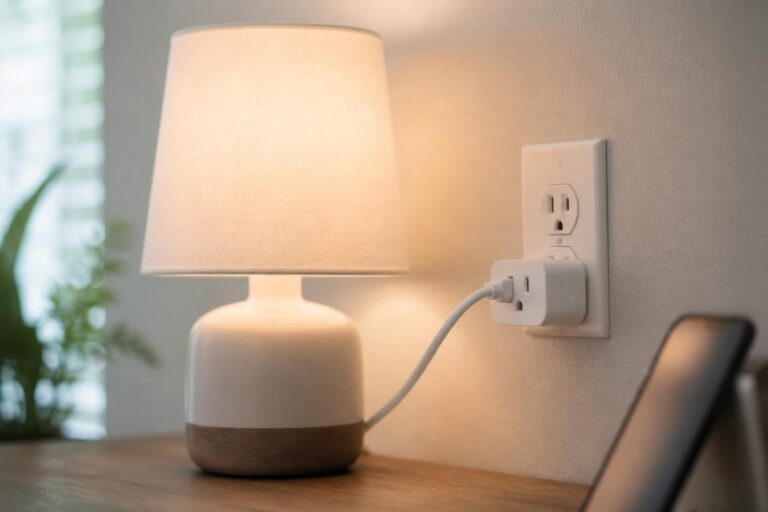
3. Smart Plugs 4-Pack — dumb things, made smart (~$25)
Any old device with a plug — fan, coffee maker, humidifier, string lights — becomes schedulable and voice-controlled. The single cheapest entry into smart living.
- Makes existing devices smart for a few dollars each
- Schedules, timers, away-mode
- No wiring, no tools
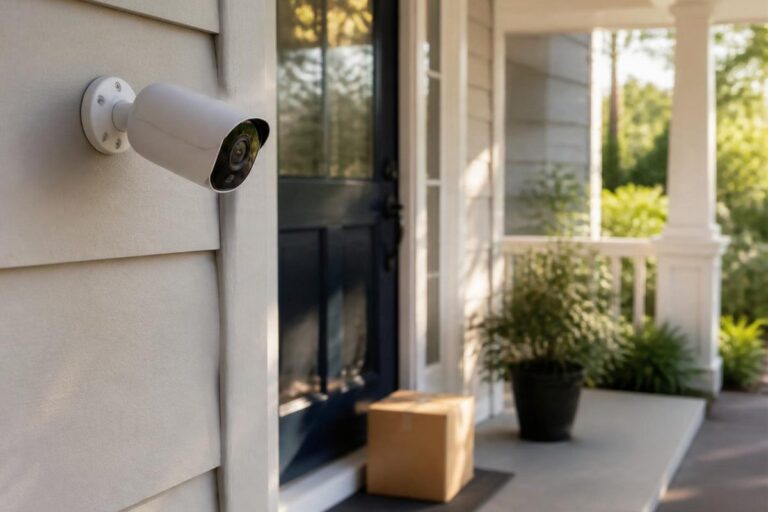
4. Video Doorbell — the security upgrade (~$60–100)
See and talk to deliveries from your phone; get alerts when someone's at the door even when you're not home. This is the piece new users call "life-changing" most often.
- Package theft deterrence
- Answer the door from anywhere
- Night vision + motion alerts
Check price on Amazon · Premium option
5. Smart Light Switch — the finishing touch (~$25)
For fixtures where a bulb swap won't work (ceiling lights with multiple bulbs), a smart switch is the clean solution. One caveat: it involves wiring, so it's a "comfortable with a screwdriver" upgrade — or a great excuse to buy the plug instead.
- Clean solution for ceiling fixtures
- Works with existing bulbs
- Rocker style matches your current switches
A realistic starter budget
| Kit level | What's in it | Rough total |
|---|---|---|
| Bare minimum | Echo Dot + smart plug 4-pack | ~$75 |
| Recommended | Dot + bulbs + plugs | ~$115 |
| Full starter | Dot + bulbs + plugs + doorbell | ~$185 |
(Verify current pricing — smart home gear is heavily discounted around Prime Day and Black Friday.)
FAQ
Do I need a hub?
Not to start. Modern bulbs and plugs connect over Wi-Fi directly. Hubs (like Hue Bridge) matter later for large setups or fancier automations.
Will it work if my Wi-Fi is bad?
Poorly — smart homes live and die by Wi-Fi. If you have dead zones, a mesh Wi-Fi system is genuinely the first smart-home purchase to make.
Is Alexa always listening?
It listens locally for the wake word and streams audio only after it hears it. You can review and delete voice history in the app, and there's a physical mic-mute button on every device.
The bottom line
Echo Dot → bulbs → plugs → doorbell. Skip the expensive ecosystem pitches: this $115 kit delivers 90% of the "smart home" experience for 10% of the price.
Prices and availability change often — always check the current price on Amazon before buying.